Learn IT the way it works on the job

Step-by-step IT courses on storage, cloud, Linux, monitoring and AI. Each topic starts in simple words, then moves to the real details engineers use at work, with labs you run on your own laptop.

  • 12courses
  • 511lessons
  • 3learning paths

Pick a learning path

Each path is a set of courses in a good order. Pick one to see its courses.

IT courses by learning path

Start with the first course in a path, even if you know some of it. Most mistakes at work happen in the basics.

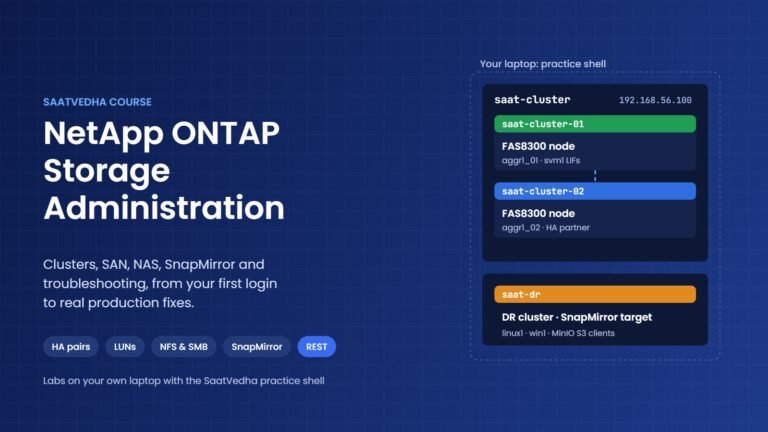
NetApp ONTAP Storage Administration course: practice cluster with two nodes and a DR cluster

Storage

ONTAP clusters, SVMs, LUNs, NFS and SMB, snapshots, SnapMirror and step-by-step troubleshooting, with a practice shell on your laptop.

69 lessons, about 69 hours

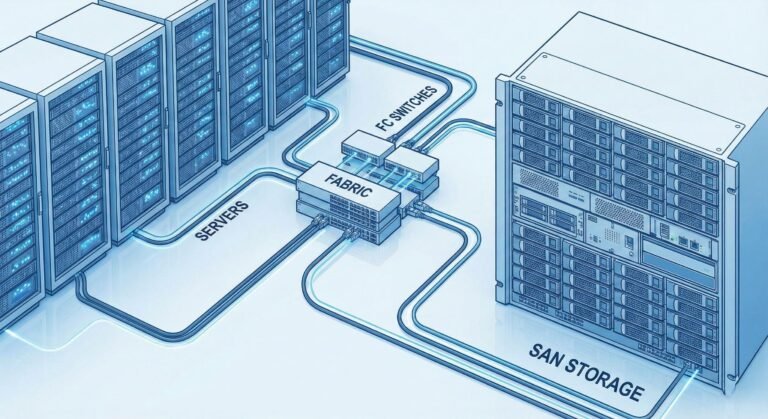
storage area network (san) storage

Storage

SAN topologies, storage arrays, RAID, thin and thick provisioning, tiering and capacity planning.

16 lessons, about 8 hours

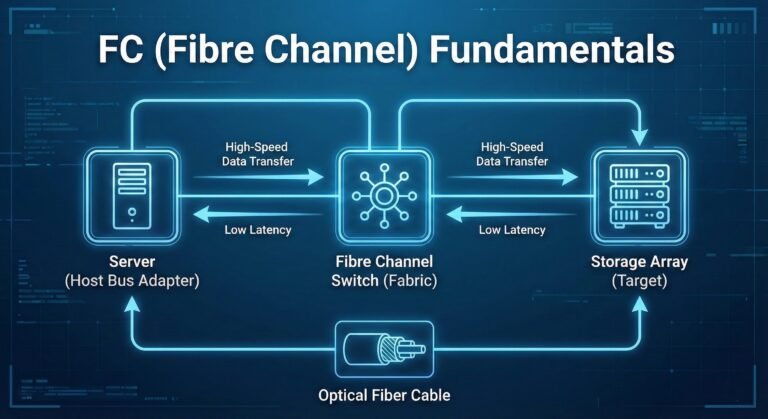
fc (fibre channel) fundamentals

Storage

How Fibre Channel moves data: layers, addressing, flow control, frames, zoning and cabling.

13 lessons, about 7 hours

brocade fc (fibre channel) switches

Storage

Switch generations, hardware, licences, installation, config backup, firmware upgrades and zoning.

27 lessons, about 14 hours

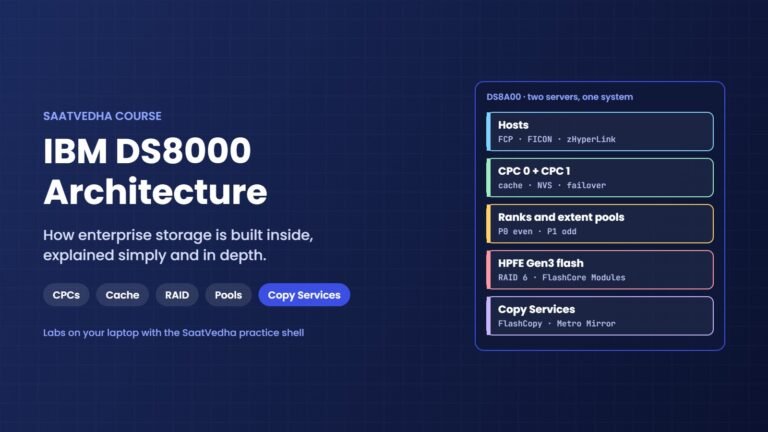
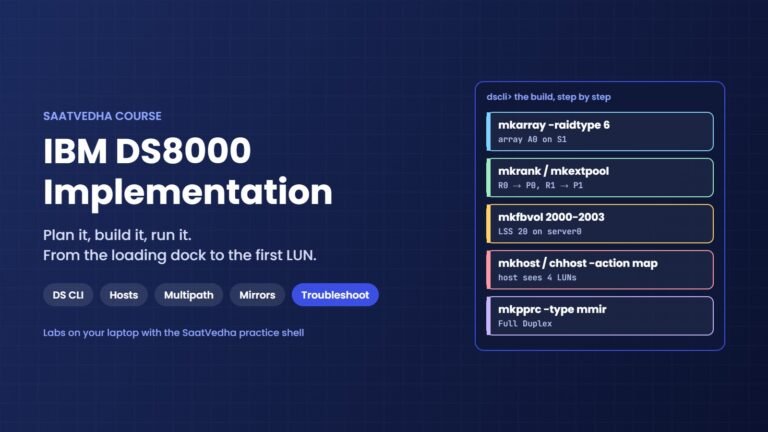
IBM DS8000 architecture course: CPCs, cache, ranks, extent pools, HPFE flash and Copy Services

Storage

Hardware, cache and NVS, RAID, ranks, extent pools, volumes, LSSs, Copy Services and Safeguarded Copy, explained simply with labs you run on your laptop.

29 lessons, about 29 hours

IBM DS8000 implementation course: DS CLI build from arrays to host mapping and Metro Mirror

Storage

Plan, install and configure a DS8000 with the DS CLI: arrays, ranks, pools, volumes, host mapping, multipath, Copy Services, monitoring and troubleshooting.

33 lessons, about 33 hours

cloud computing

Cloud

Public, private and hybrid cloud, IaaS to SaaS, security risks and every kind of virtualization.

28 lessons, about 14 hours

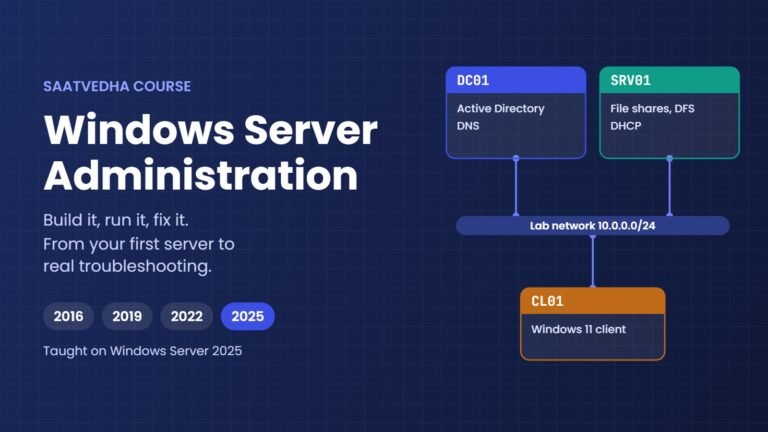
Windows Server administration course lab network: DC01, SRV01 and a Windows 11 client

Cloud

Active Directory, DNS, DHCP, Group Policy, Hyper-V, clustering and step-by-step troubleshooting on Windows Server 2025.

54 lessons, about 54 hours

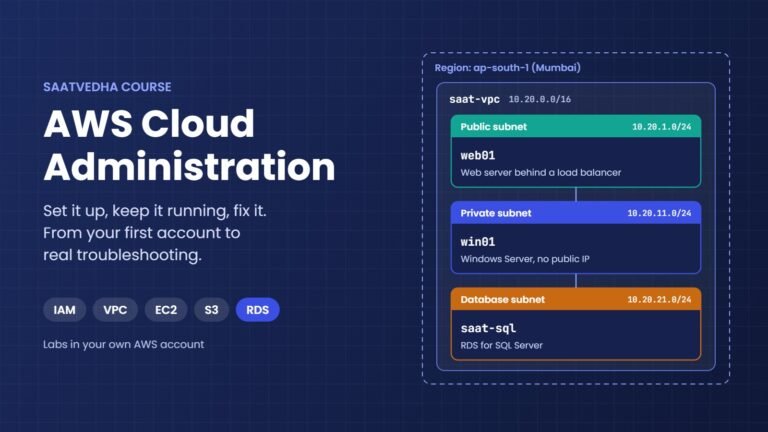
AWS cloud administration course lab: saat-vpc in Mumbai with web01, win01 and an RDS SQL Server database

Cloud

IAM, VPC, EC2, S3, monitoring, backups, SQL Server on RDS and step-by-step troubleshooting, built in your own AWS account.

70 lessons, about 70 hours

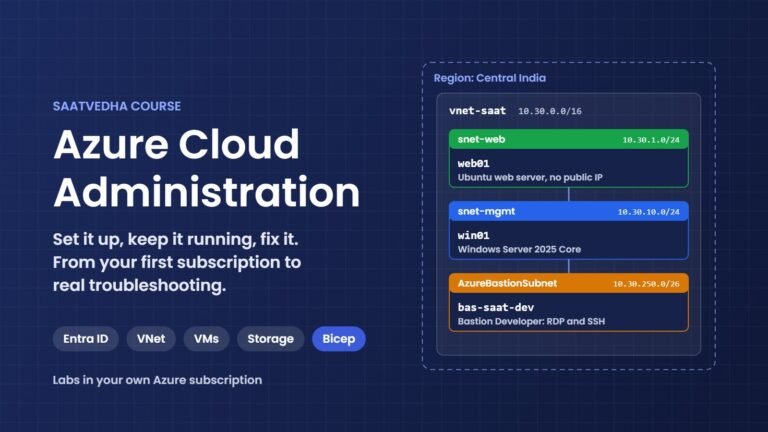
Azure cloud administration course lab: vnet-saat in Central India with web01, win01 and Bastion Developer

Cloud

Entra ID, VNets, VMs, storage, Bastion, monitoring with KQL, backups, Bicep and step-by-step troubleshooting, built in your own Azure subscription.

75 lessons, about 75 hours

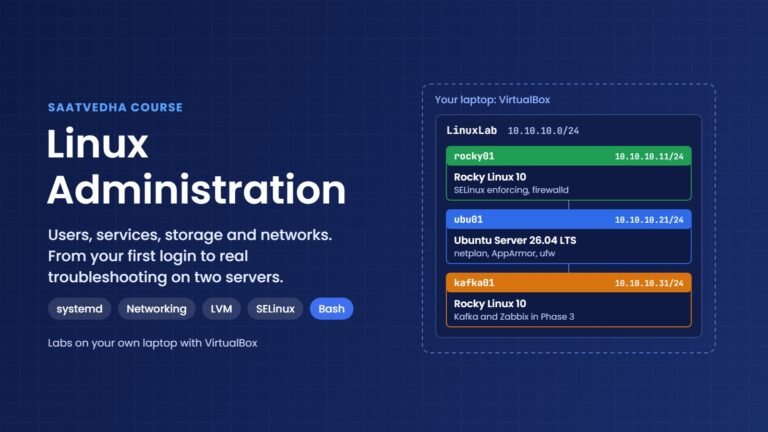
Linux administration course lab: LinuxLab network 10.10.10.0/24 with rocky01, ubu01 and kafka01 in VirtualBox

Cloud

Users, permissions, systemd, networking, LVM storage, Kafka, Zabbix, backups and step-by-step troubleshooting on Rocky Linux and Ubuntu.

82 lessons, about 82 hours

generative AI and agents

AI

Tokens, transformers, attention, prompts, RAG and AI agents, with a local model running on your laptop.

15 lessons, about 15 hours

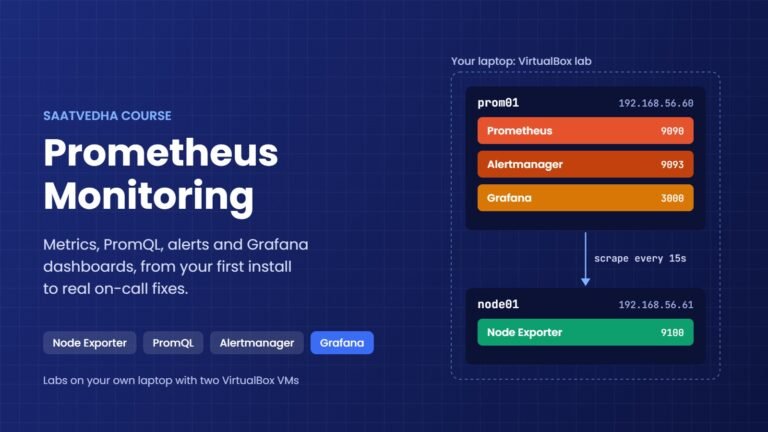
Prometheus monitoring course: Prometheus, Alertmanager and Grafana on prom01 scraping Node Exporter on node01

Monitoring

10 lessons, about 10 hours

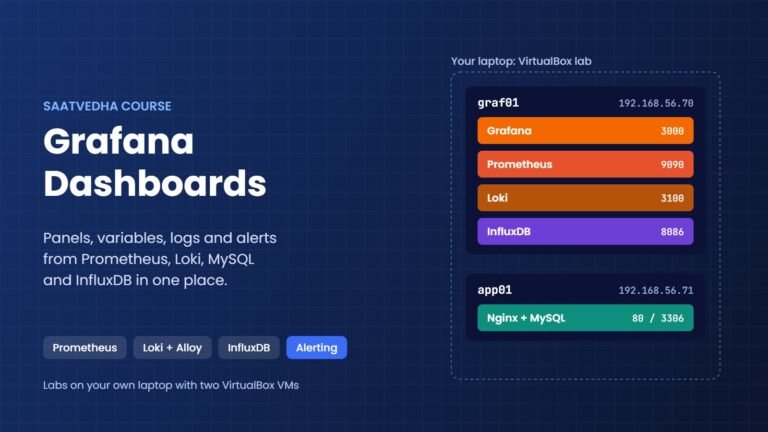
Grafana dashboards course: Grafana, Prometheus, Loki and InfluxDB on graf01 with app01

Monitoring

14 lessons, about 14 hours

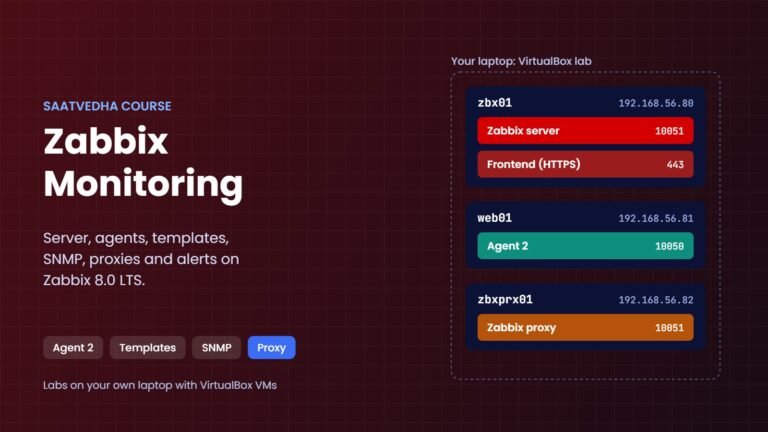
Zabbix monitoring course: Zabbix server on zbx01, agent 2 on web01 and a proxy on zbxprx01

Monitoring

24 lessons, about 24 hours

New on SaatVedha

The latest courses we have finished. Every lesson has a lab you can run on your laptop.

What you get in every lesson

Every lesson follows the same order, so it's easy to follow.

  1. Simple wordsThe idea first, with an everyday example.
  2. Engineer's viewThen the real technical details: settings, numbers and limits.
  3. Hands-on labCommands to type, the output you should see, and a quick check that it worked.
  4. Break it, then fix itMake a real error on purpose, then fix it.
  5. This happened at workA real problem from work and how the team fixed it.
  6. Interview questionsAt fresher, 2–5 years and senior level, with a sample answer.
student@prom01: ~
$ promtool check config /etc/prometheus/prometheus.yml
Checking /etc/prometheus/prometheus.yml
  FAILED: parsing YAML file /etc/prometheus/prometheus.yml: yaml: line 11: found character that cannot start any token

# after replacing the tab with spaces
$ promtool check config /etc/prometheus/prometheus.yml
Checking /etc/prometheus/prometheus.yml
 SUCCESS: /etc/prometheus/prometheus.yml is valid prometheus config file syntax

A short part of a "Break it, then fix it" lab from the Prometheus Monitoring course. One tab character stops the whole config from loading.

Written by working engineers. Not sure where to start?

SaatVedha is written by engineers who work with storage, servers, cloud and monitoring every day, so the lessons also show what can go wrong. Tell us your current role and where you want to be in a year, and we'll suggest where to begin.

Ask us where to start

What we won't do

  • Add extra text just to make a lesson look long
  • Skip the hard parts
Scroll to Top

This website uses cookies

We use a few cookies to keep this site working. If you allow it, we also use Google Analytics to count visits so we can improve our lessons. You can accept all, deny the optional ones, or choose what to allow.