
Learn IT the way it works on the job
Step-by-step IT courses, from SAN storage and Fibre Channel to cloud and generative AI. Each topic starts with simple words. Then it moves to the real details engineers use at work.
- 6courses
- 153lessons
- 3learning paths
Solid dots are ready to learn. Dotted ones are coming soon.
IT courses by learning path
Each path is a set of courses in a good order to learn them. Start with the first course, even if you know some of it. Most mistakes at work happen in the basics.
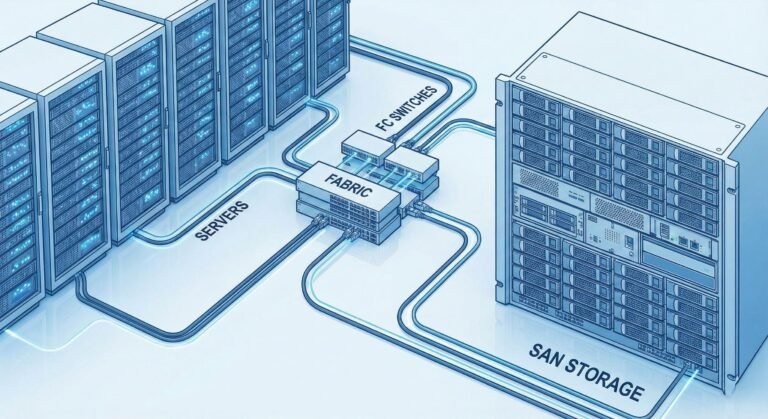
Storage
16 lessons, about 8 hours
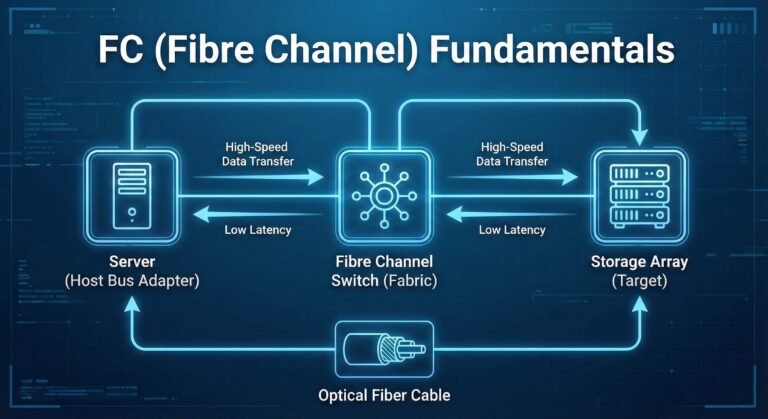
Storage
13 lessons, about 7 hours

Storage
27 lessons, about 14 hours

Cloud
28 lessons, about 14 hours
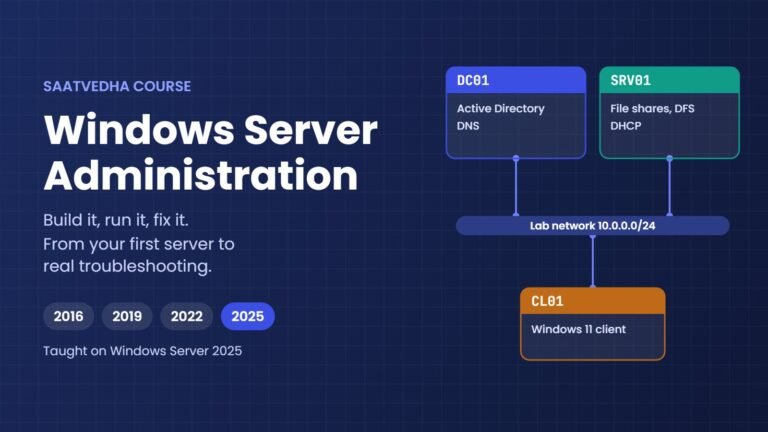
Cloud
54 lessons

AI
15 lessons, about 15 hours
What you get in every lesson
Every lesson follows the same order, so it's easy to follow.
- Simple wordsWe explain the idea first with an everyday example.
- Engineer's viewThen the real technical details: settings, numbers and limits.
- Hands-on labCommands to type, the output you should see, and a quick check that it worked.
- Break it, then fix itMake a real error on purpose, then fix it.
- This happened at workA real problem from work and how the team fixed it.
- Interview questionsFresher, 2–5 years and senior level, with what the interviewer is checking.
Right now, the Generative AI and Agents course uses this full format. We are updating the storage and cloud courses to match.
PS C:\ai-lab\agent> python agent.py
Question: Nobody on the 2nd floor can print.
Step 2: check_service(host='print01', service='spooler')
Traceback (most recent call last):
  File "C:\ai-lab\agent\agent.py", line 80, in <module>
    result = FUNCS[name](**args)
TypeError: check_service() got an unexpected keyword argument 'host'

# after the fix
Step 2: check_service(server='print01', service='spooler')
  -> spooler on print01: stopped
A short part of the "Break it, then fix it" lab from the AI agents lesson. The model used a wrong name, and the program stopped with an error.
From the blog
Command lists and step-by-step guides you can use at work.
HBA Replacement Procedure
What to change on the SAN switches and storage when a server gets a new HBA.
ProcedureBrocade Switch Firmware Upgrade Guide
How to plan the upgrade, the checks before and after, and the upgrade steps.
Command referenceAll Brocade Fabric OS (FOS) Commands
FOS commands with a short description and an example for each one.
Written by working engineers
SaatVedha is written by engineers who work with storage, SAN switches, servers and cloud every day.
So our lessons also show what can go wrong, not only what the manual says.
What we won't do
- Add extra text just to make a lesson look long
- Skip the hard parts
Not sure where to start?
Tell us your current role and where you want to be in a year. We'll suggest the course and lesson to begin with.